How to modify a workflow
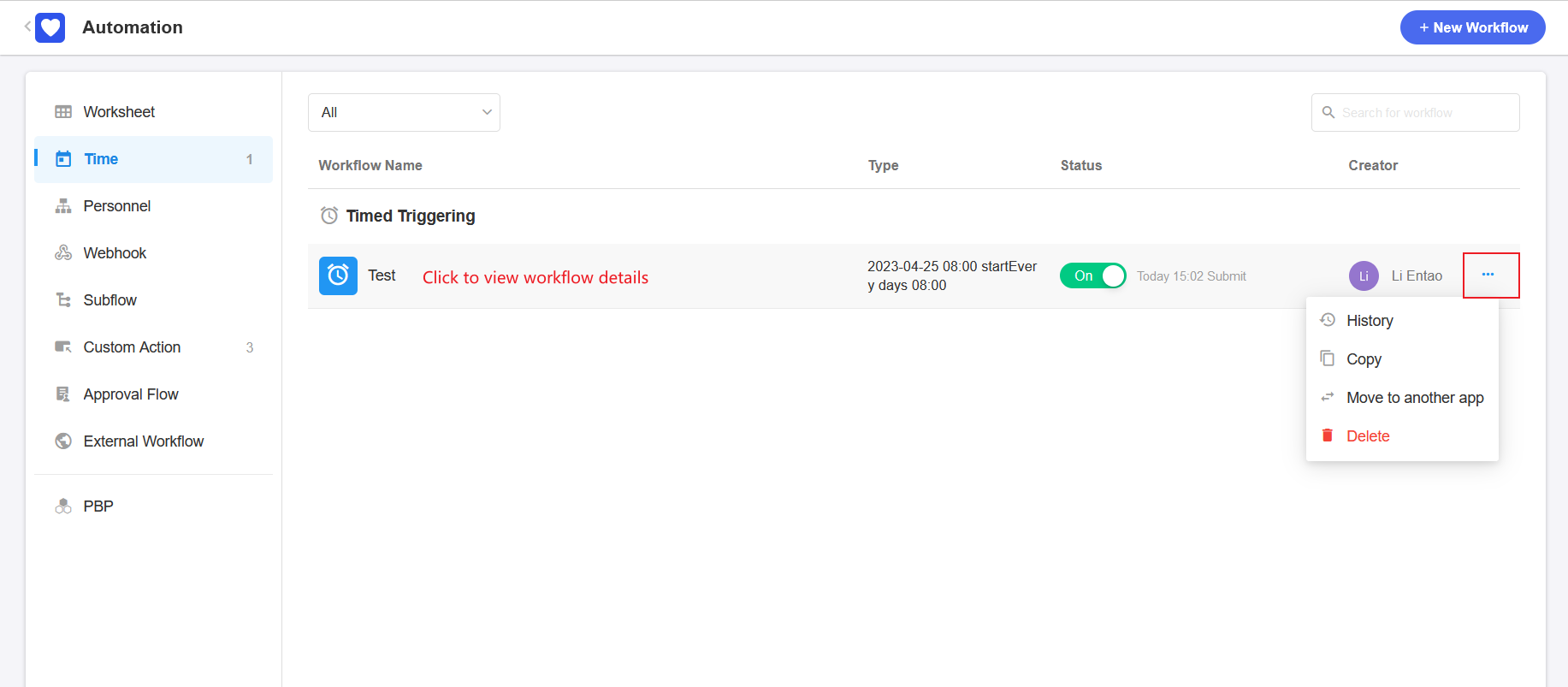
In the application to which the workflow belongs, select the workflow that needs to be modified and click the name to enter the modification page.
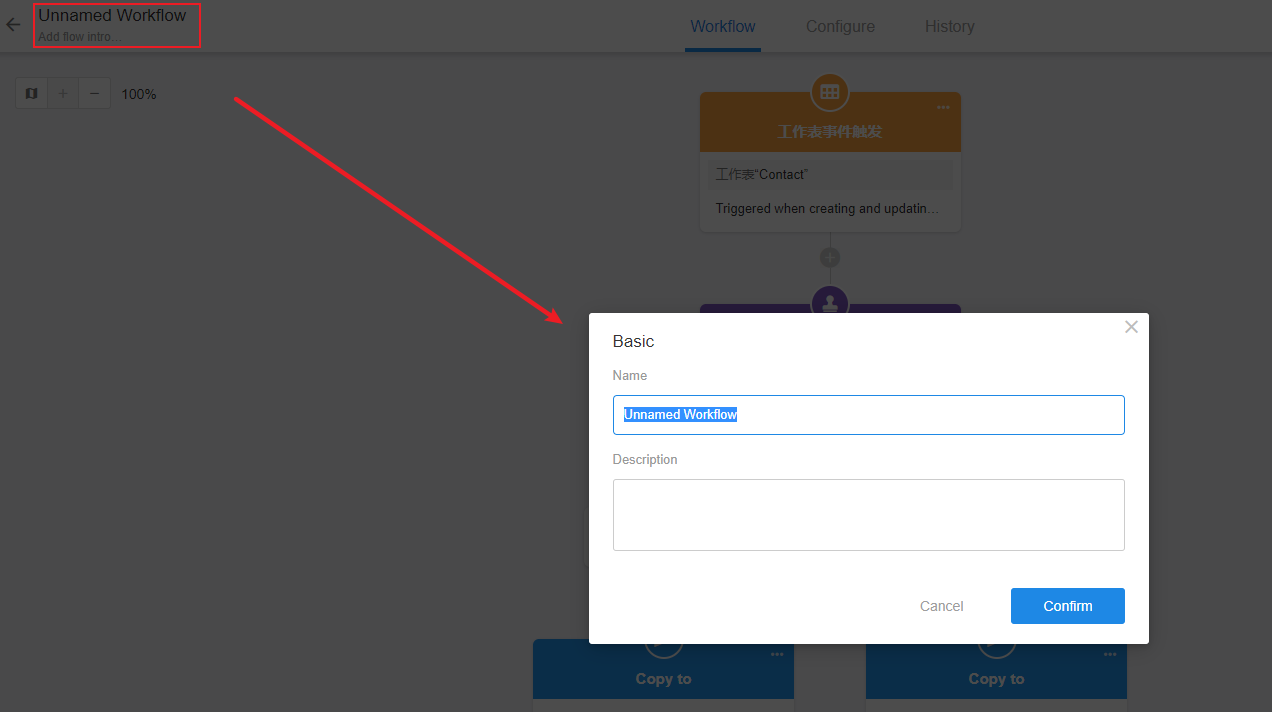
I. Modify the name and description
To modify in the upper left corner.
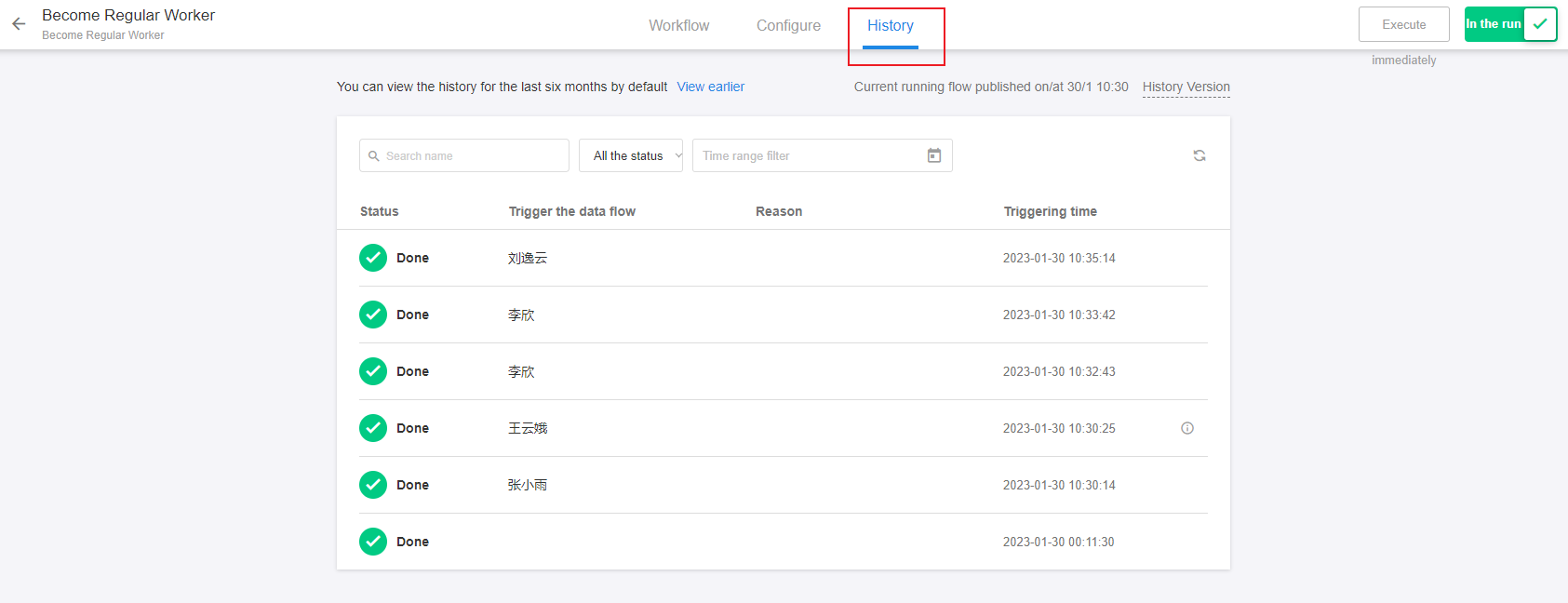
II. View the execution history
Click [History] to view the running history of the workflow.
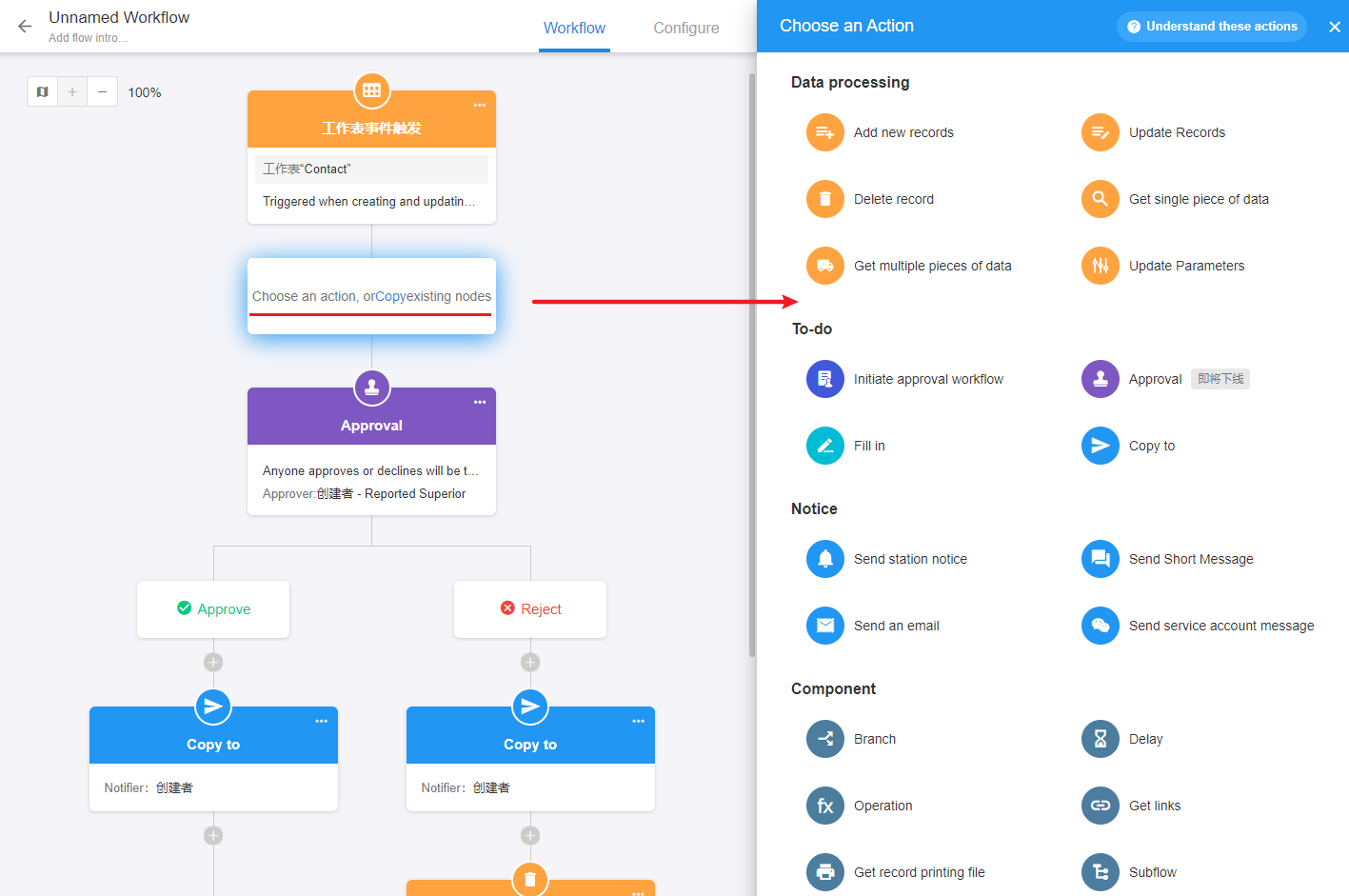
Ⅲ. Modify the automation settings
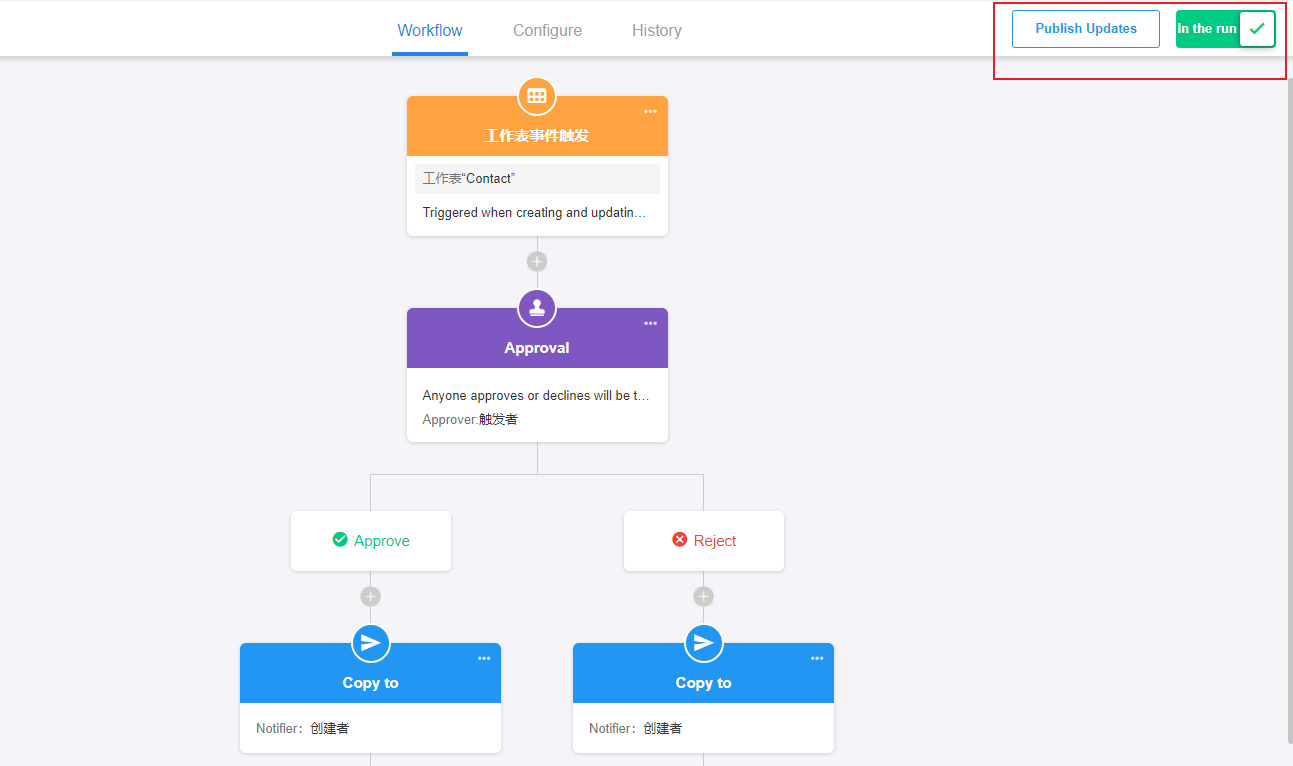
Click the existing node to modify, or click the [+] to add a node.
To modify nodes is similar to create a new workflow, you can refer to how to create a new workflow.
IV. Publish updates
After modification, you need to click [Publish updates], otherwise the new settings will not take effect.
Have questions about this article? Send us feedback